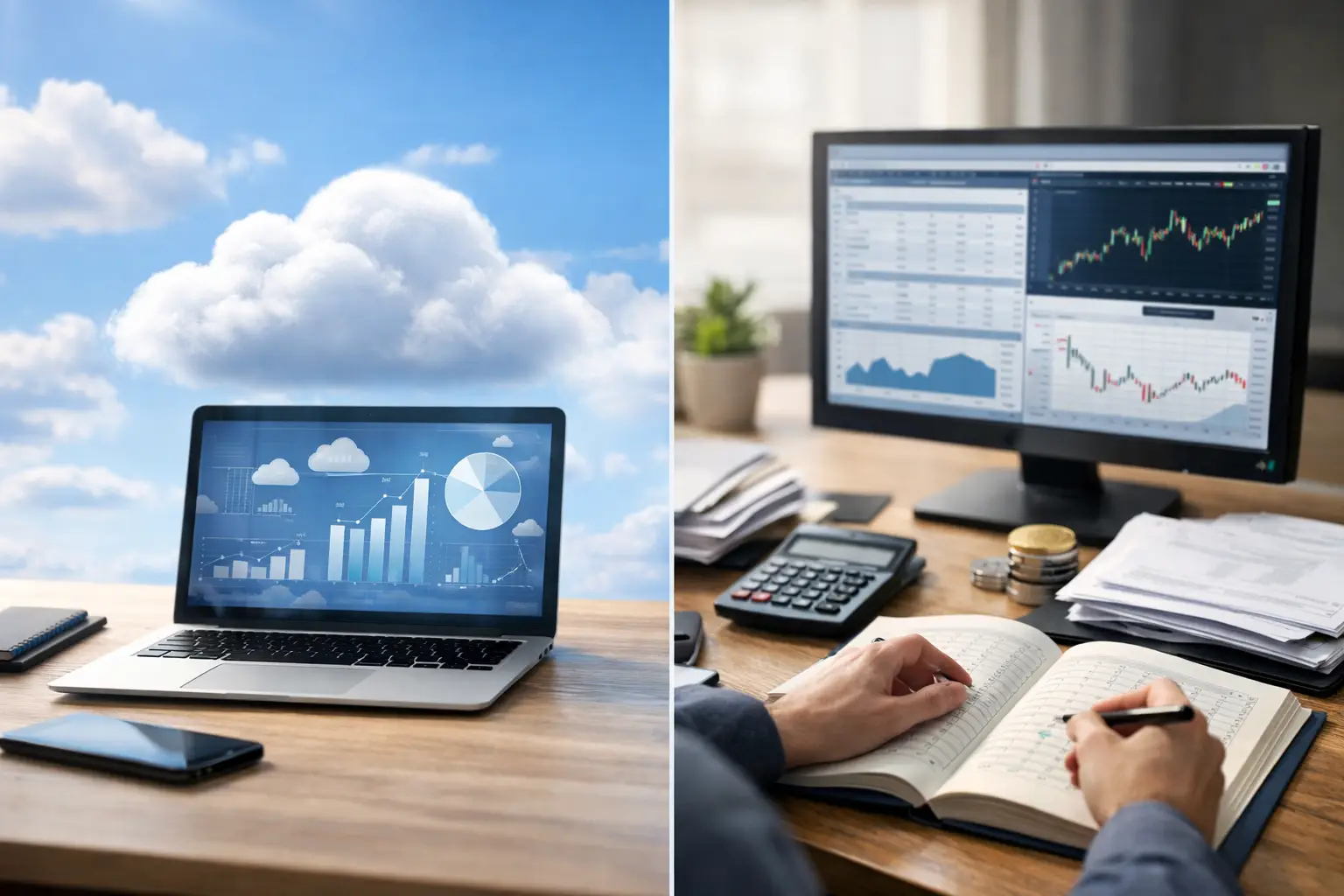
A branch cashier closes a busy trading day. The desktop file is saved on one office computer, yesterday's spreadsheet is on another, and the finance lead needs the real margin before approving tomorrow's liquidity position. This is where cloud ledger versus desktop bookkeeping becomes an operational decision, not a software preference.
For crypto and multi-asset exchanges, bookkeeping must do more than record transactions. It must show what is held, what is owed, who performed each action, and whether every asset position reconciles before the next trading day begins. The right system protects control when transaction volume, branches, currencies, and team members grow.
Cloud Ledger Versus Desktop Bookkeeping: The Core Difference
Desktop bookkeeping runs from software installed on a specific computer or local server. It can be familiar, works without an internet connection, and may suit a very small business with one operator and a simple chart of accounts. But access, backups, version management, and collaboration depend heavily on local processes.
A cloud ledger operates from centralized, secured infrastructure. Authorized users access the same live records through a browser or mobile app, based on their assigned roles. Instead of moving files between cashiers, managers, accountants, and owners, the organization works from one source of financial truth.
That distinction matters more for an exchange than for a standard retail business. An exchange may handle cryptocurrency, bank-based fiat, cash, gold, or oil. Every buy, sell, transfer, fee, settlement, and correction can affect several balances at once. Delayed updates or separate files create a direct risk to reconciliation and profit reporting.
Real-Time Records Change Daily Control
Desktop systems often require manual synchronization. A team member exports transactions, imports a file, sends a backup, or waits for an accountant to update the main ledger at the end of the day. That process may work until a branch needs an immediate answer: How much USDT is available? Which counterparty balance changed? Did today's trading desk produce a profit or loss?
With a cloud ledger, approved transactions update the central record as they are entered. Owners and finance leaders can review live balances, daily P&L, asset movements, and operational activity without waiting for a file to arrive. This supports faster decisions around liquidity, treasury exposure, branch limits, and customer settlements.
Real-time visibility does not eliminate the need for review. It makes review possible before small errors become closing-day problems. A missing fee, an incorrect exchange rate, or an unmatched cash movement is easier to investigate while the responsible employee and transaction details are still available.
Security Is More Than a Password
A desktop application can feel secure because it sits inside an office. In practice, local storage introduces specific risks: a failed hard drive, an unpatched device, a copied backup, a lost laptop, or a former employee who still knows the shared login. Local systems also put pressure on the business to manage its own recovery plans and access controls consistently.
A properly designed cloud platform centralizes security controls. Role-based permissions limit what each cashier, branch manager, accountant, or owner can view and change. User activity monitoring creates accountability around adjustments and sensitive transactions. Bank-grade infrastructure, encrypted access, controlled backups, and high availability reduce the operational exposure tied to a single device or office.
The key qualifier is properly designed. Moving a spreadsheet to a generic cloud drive is not the same as using a cloud accounting system built for financial controls. Exchange operators should examine permission settings, audit history, backup practices, uptime commitments, and the provider's approach to safeguarding multi-asset records.
Reporting Without the Spreadsheet Relay
Desktop bookkeeping can produce standard financial statements, but multi-asset exchange reporting frequently needs more context. Management may need profit and loss by asset, branch, counterparty, cashier, or trading period. Finance teams may need transaction-level detail to reconcile crypto movements against cash, bank, precious-metal, or commodity positions.
When reports require repeated exports and spreadsheet consolidation, the reporting process becomes dependent on manual formulas and individual knowledge. The business may have reports, but not confidence that every version reflects the same underlying data.
A cloud ledger built for exchange operations keeps reporting connected to the operational ledger. Teams can review balances and analytics from the same system used to process daily activity. This makes it easier to investigate variances, prepare management reporting, and maintain records that are ready for internal review or external audit.
Collaboration Across Branches and Roles
The choice becomes clearer as more people need access. Desktop bookkeeping usually centers on a primary machine or a limited local network. Remote access can be configured, but it often adds technical overhead and leaves the organization managing separate versions, remote connections, and individual device security.
Cloud access gives distributed teams a shared working environment. A branch manager can review branch activity, an accountant can reconcile entries, and an owner can check group-level performance without requesting copies of the books. Permission controls ensure that shared access does not mean unrestricted access.
For exchanges operating multiple branches, this is a material advantage. Central finance does not need to wait for each location to submit end-of-day files. Branch teams do not need full visibility into company-wide data to complete their responsibilities. Each role can operate within clear boundaries while management retains oversight.
The Trade-Offs: When Desktop May Still Fit
Cloud systems require reliable internet access. If a location experiences frequent connectivity interruptions, the business needs practical continuity procedures. There is also a change-management factor: teams accustomed to local files may need training to adopt structured workflows, permission rules, and daily controls.
Desktop bookkeeping may remain reasonable for a single-location business with low transaction volume, one trusted operator, limited asset types, and no need for remote reporting. It can also be useful as a temporary arrangement during the earliest stage of a business.
But this fit narrows quickly. Once an exchange handles multiple assets, multiple users, customer and counterparty accounts, or several branches, desktop workflows tend to create hidden costs. Those costs appear as delayed reconciliations, duplicate entries, unclear ownership, manual reporting, and time spent fixing files rather than managing operations.
What an Exchange-Ready Cloud Ledger Should Provide
Not every cloud accounting product understands exchange activity. Generic bookkeeping software may handle invoices and expenses well but still force operators to build complex workarounds for asset conversions, counterparty positions, and daily trading controls.
An exchange-ready platform should support automated double-entry accounting across crypto and fiat activity, with the flexibility to include cash, banks, gold, and oil where relevant. It should provide real-time P&L, transaction reporting, asset-level visibility, role-based access, and a clear activity trail. Migration also matters: historical data should move into the new system through a defined process rather than an open-ended implementation project.
Siferex is designed around these requirements, bringing multi-asset accounting, daily operational controls, analytics, and unlimited-user access into one secure platform under a flat annual subscription. The practical objective is simple: give every authorized team member the records they need while keeping control centralized.
Choose for the Operation You Are Building
The question is not whether desktop bookkeeping can record a transaction. It can. The question is whether it can give finance, operations, and leadership a timely, reliable view of every asset and obligation as the exchange grows.
Choose a cloud ledger when real-time reporting, controlled multi-user access, centralized records, and resilient security are part of the operating model. Start by mapping the daily close: where transactions originate, who approves adjustments, how balances are reconciled, and which report leadership needs before the next business day. The gaps in that process usually make the right accounting architecture clear.